5-a-side team organiser app: what it should do
Written on

A group chat is fine for talking about football. It is poor at the one thing an organiser needs every week: knowing who is playing. A team organiser app replaces the counting with a list. Here is what to check before you move your team onto one.
The essentials
A sign-up list with a player limit
The core of any organiser app is a game with a date, a pitch and a number of places. Each player answers once, and everyone sees the list fill up. If the app cannot cap the game at 10 for a 5-a-side, you are still counting by hand.
Notifications that do the chasing
You should not have to message people one by one. The app should notify the team when a game is created, so the question reaches everyone at the same moment.
Guests
There is always someone who will not install anything. If the organiser cannot add that player by name, the list is wrong every week and people stop trusting it.
A line-up you can share
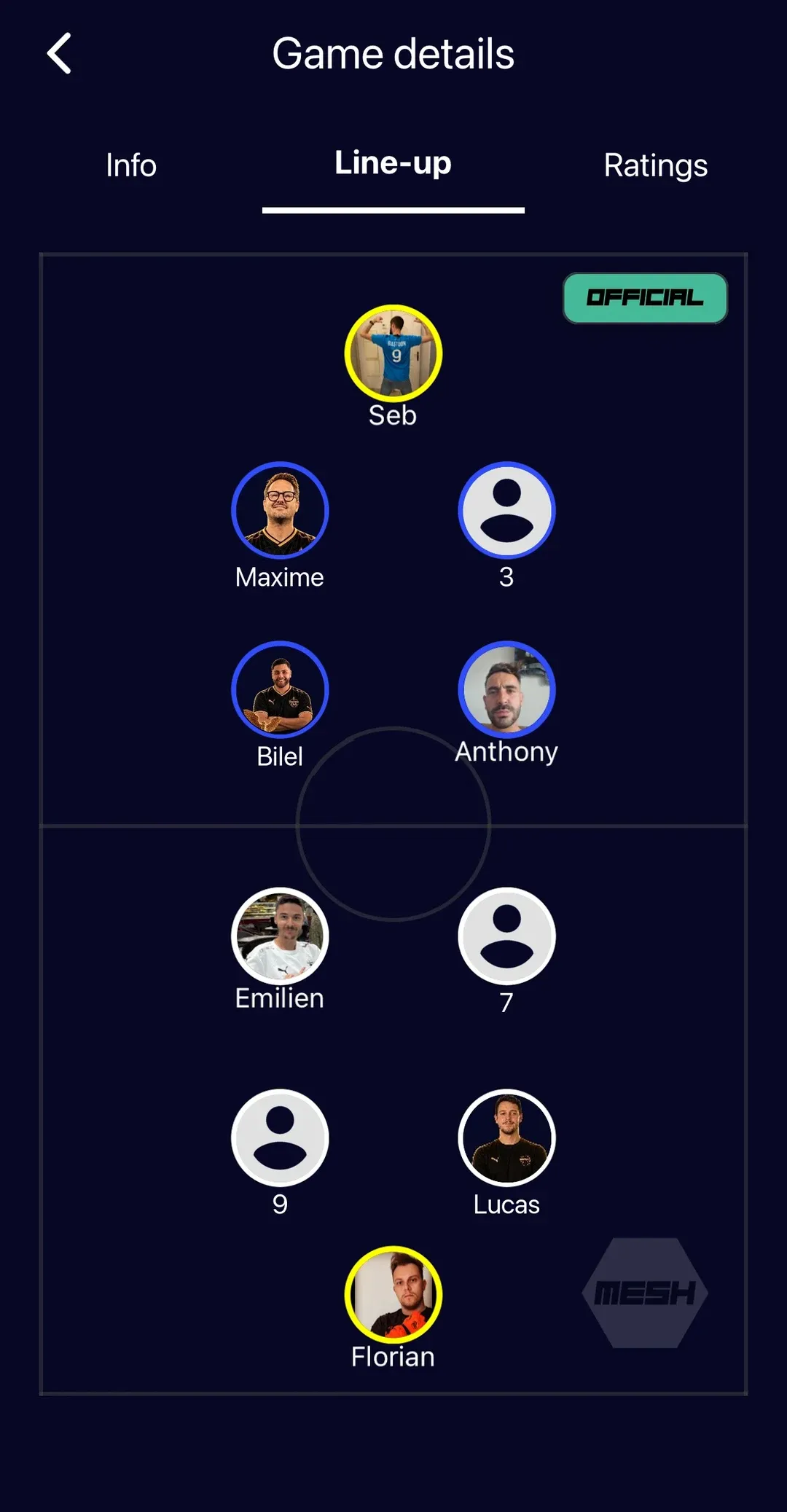
Setting teams and positions before kick-off saves pitch time. Look for a line-up you can build on a pitch view and send to the players.
It has to be easy for the players
The organiser chooses the app, but the players decide whether it works. One tap to answer is the standard. Anything longer and they go back to the group chat.
What turns a list into a team
Organising gets people to the pitch. What happens afterwards is what keeps them coming:
- Live score with scorers and assists, so the result is not argued about on the way home.
- Ratings and a Man of the Match vote after the game.
- Player stats that add up across the season: games, goals, assists.
- A team chat next to the game, so the conversation and the list live in the same place.
Price and privacy
Check what is free and what is not. Some apps are free for players but charge the organiser, or limit the number of games or players on the free plan. Check too whether the app shows ads, and how you delete your account and data if you leave.
A checklist for comparing apps
- Can I cap the number of players per game?
- Does the team get a notification when I create a game?
- Can I add players who do not have the app?
- Can I set the line-up and share it?
- Does it handle my format, from 5-a-side to 11-a-side?
- Does it keep scores, scorers and stats?
- Is it free for the organiser, without ads?
- Is it available on both iPhone and Android?
How Mesh Football answers the checklist
Mesh Football is free on iPhone and Android, with no subscription, no in-app purchases and no ads. You set the number of players and the pitch adapts, from small-sided games to 5-a-side, 7-a-side and 11-a-side. The team is notified when you create a game, players tap “I’m in”, and you can add anyone else as a guest by name. You drag players into position to build the line-up and mark it official.
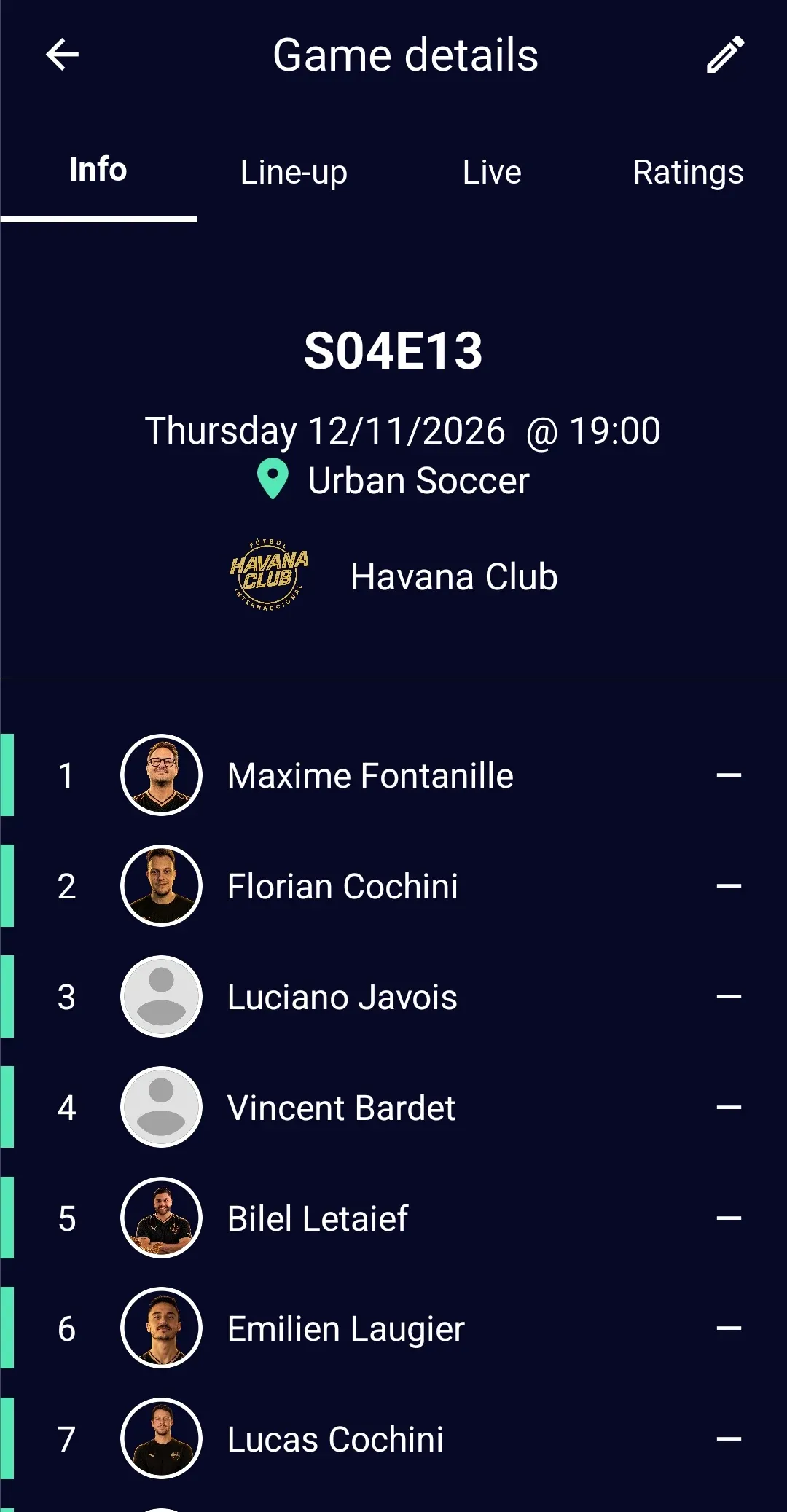
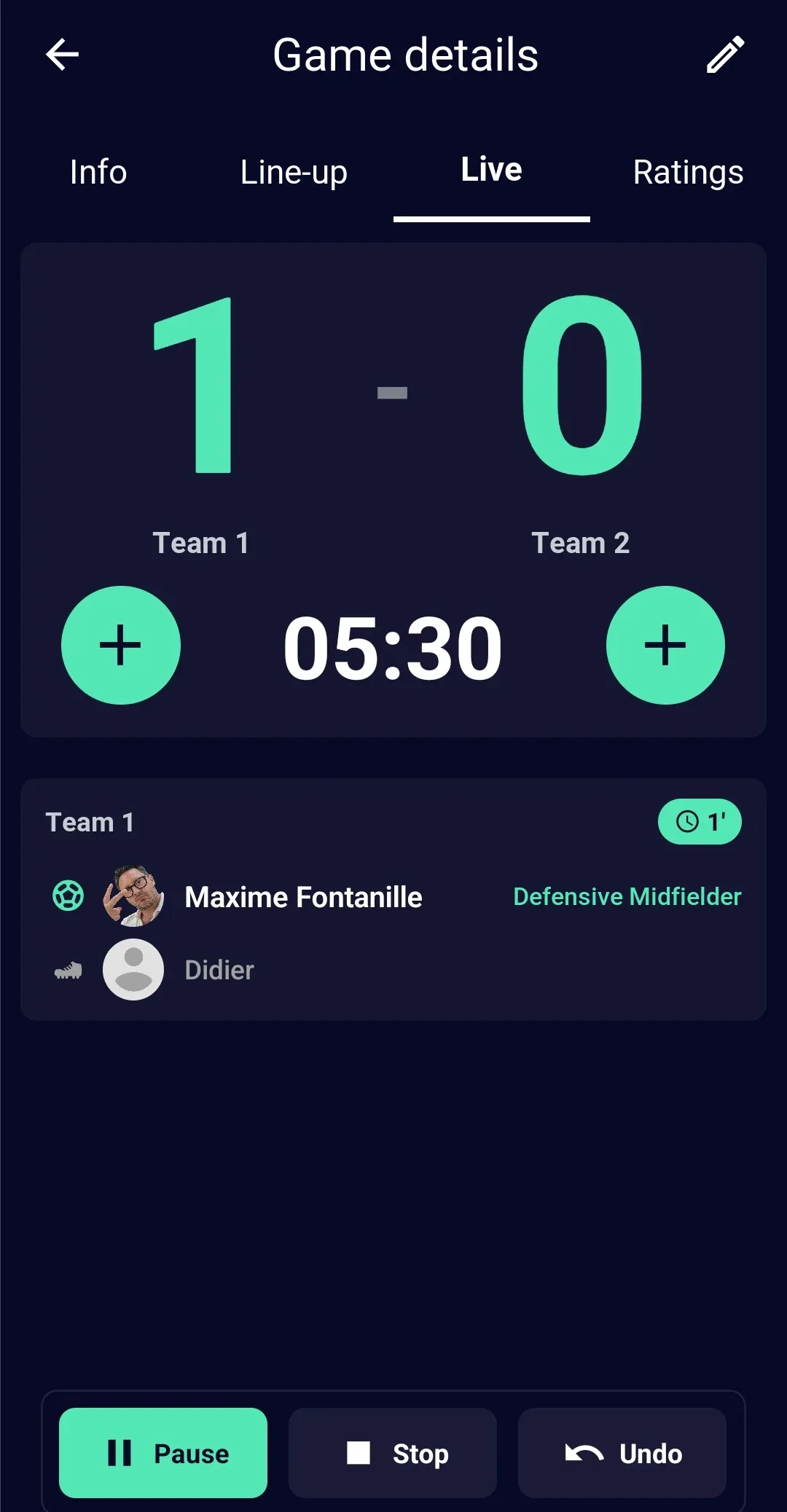
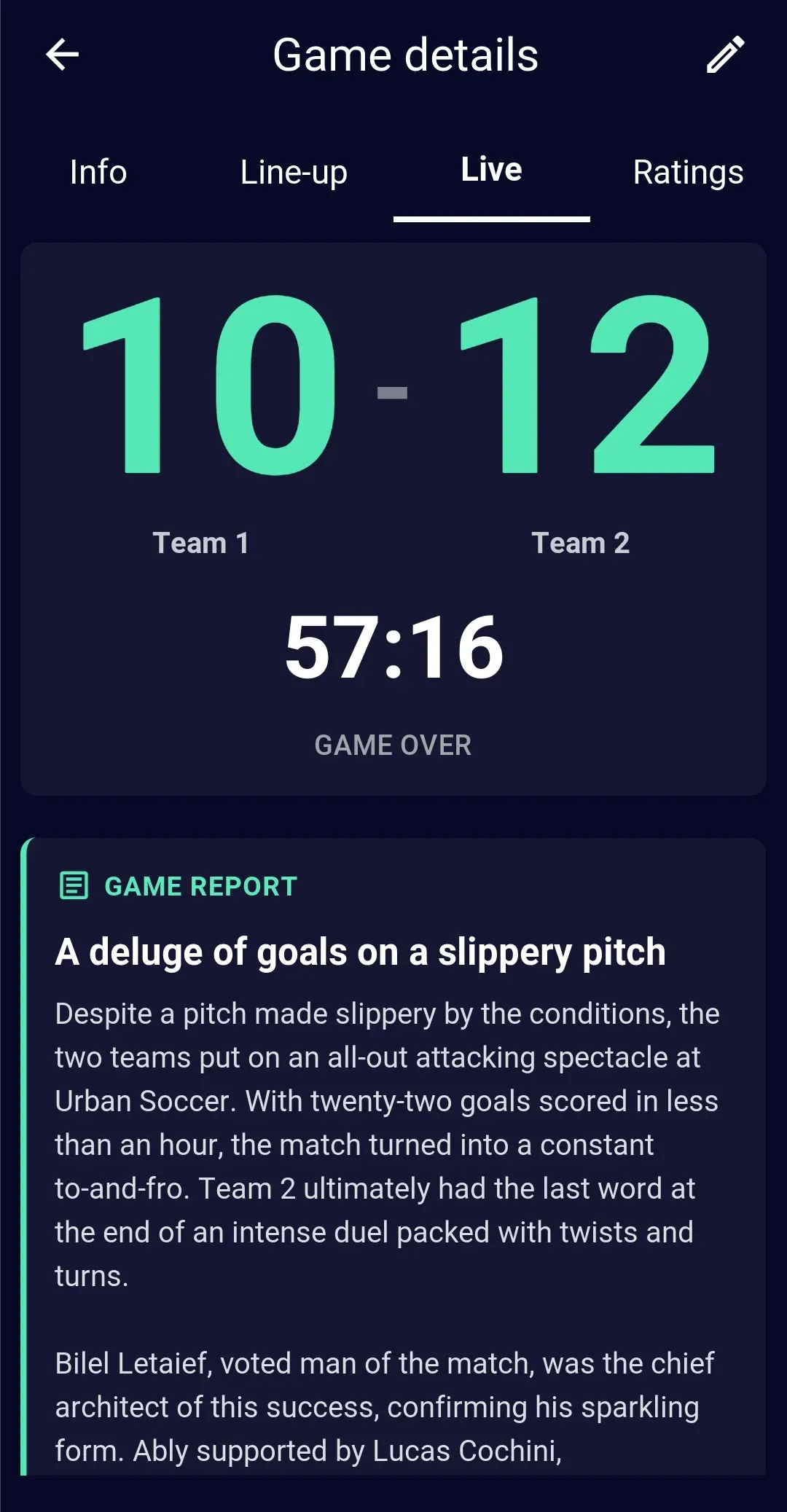
During the game you log each goal with its scorer and assist. Afterwards, players have an hour to rate each other, vote for the Man of the Match and hand out special awards, and the app writes a match report from the goals and the votes. Reports are written in French for now.
New to running a game? Start with how to organise a football game with friends.
Run your next game with Mesh Football
Free on iOS and Android